 Github
 Slack
Slack
Sentry Alerts is splitting into two features — Monitors and Alerts — to give you more control over what you track and how your team gets notified. We know not every problem throws an error, so configure Monitors around the things your team actually cares about — a slow checkout, a failed job, a traffic drop — and alert the right people, when it matters.
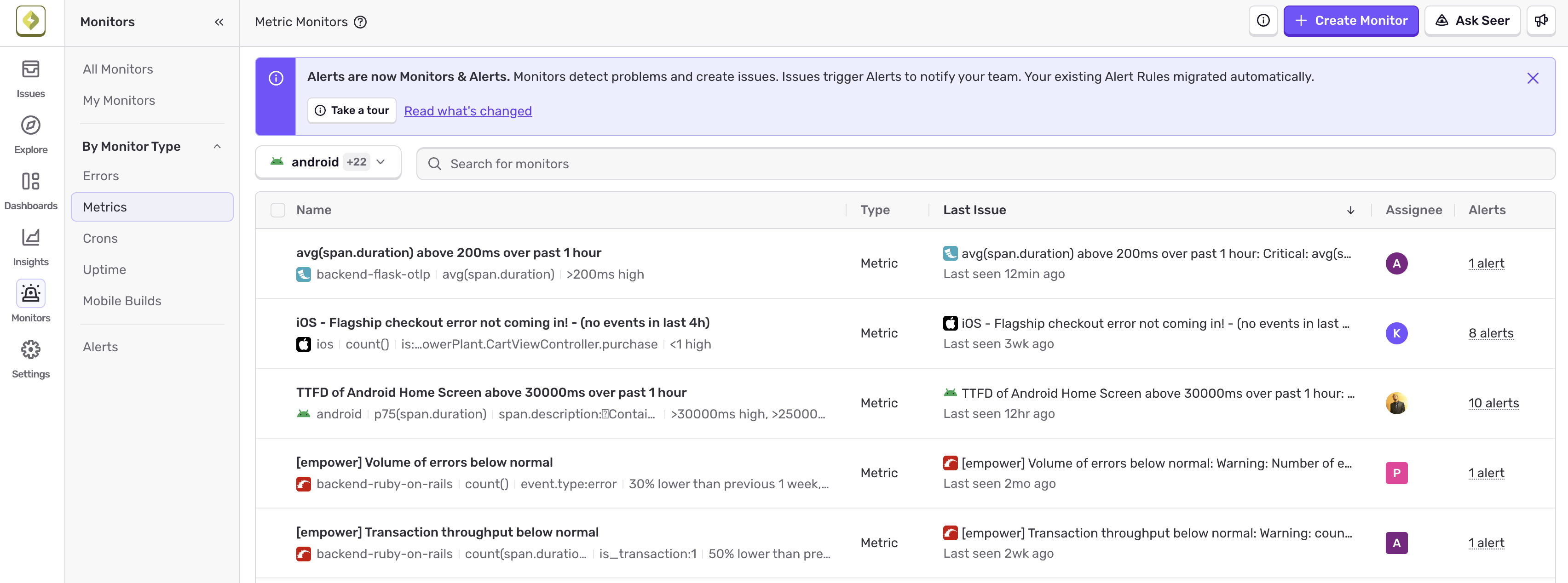
Monitors: Set conditions across different data types to detect problems. When a monitor threshold is breached, Sentry creates an issue automatically. Crons and Uptime have also moved to the new Monitors tab.
Alerts: Define who gets paged, when, and how. Alerts are triggered when issues are created or updated. Connect one alert to many monitors so you configure routing once and reuse it everywhere.
Existing Metric Alerts have been migrated as Metric Monitors and are waiting for you in the new Monitors tab. Read our FAQ article for more details.
Check out the product docs to get started.
